The Tradovate platform comes with Advanced Charting built-in, including volume profile, bid/ask volume, Heikin Ashi, Renko, and Point & Figure.
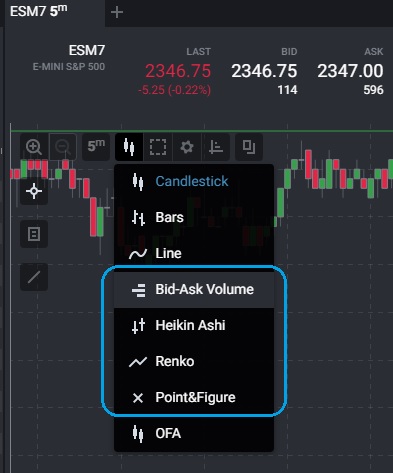
You can open Bid-Ask Volume candles, Heiken Ashi, Renko and Point and Figures charts by clicking Chart Type in the top left of the chart:
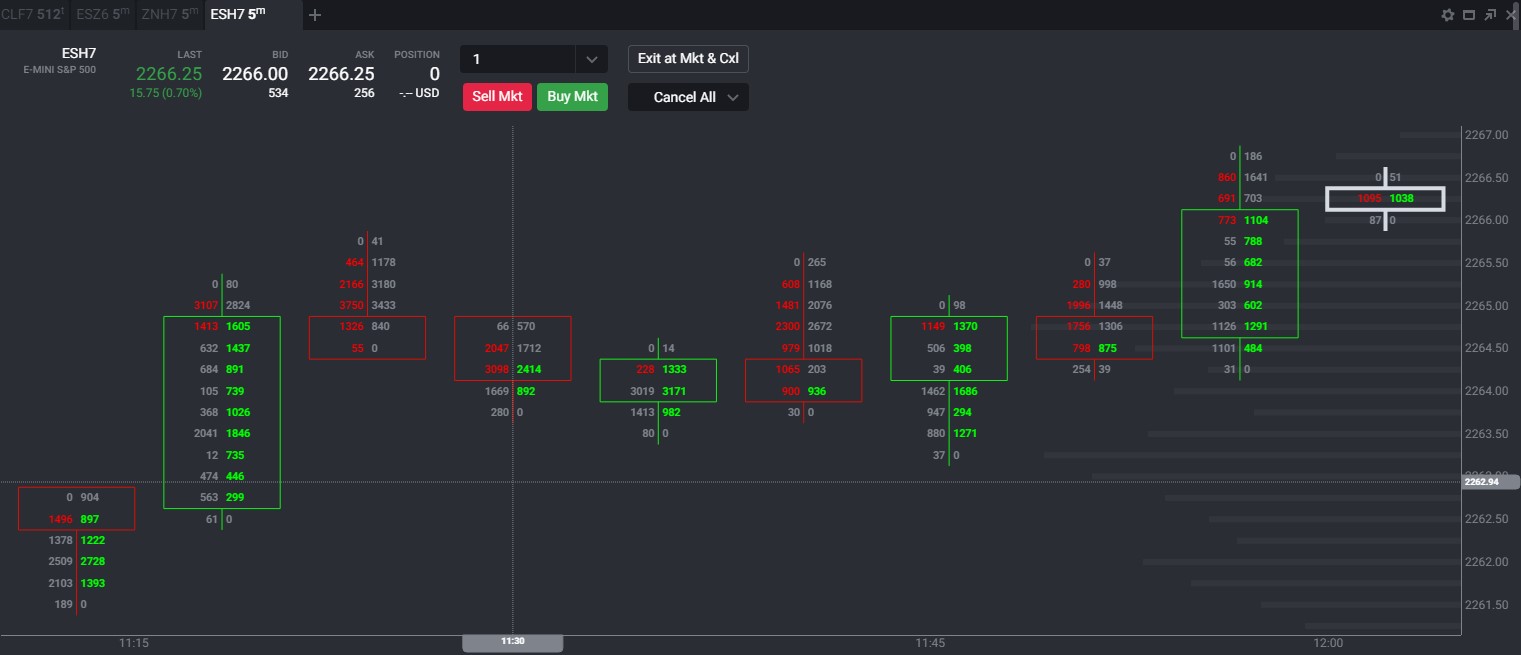
Click Bid-Ask Volume to update the chart to Bid-Ask Volume candles:
Click Heikin Ashi to update the chart:
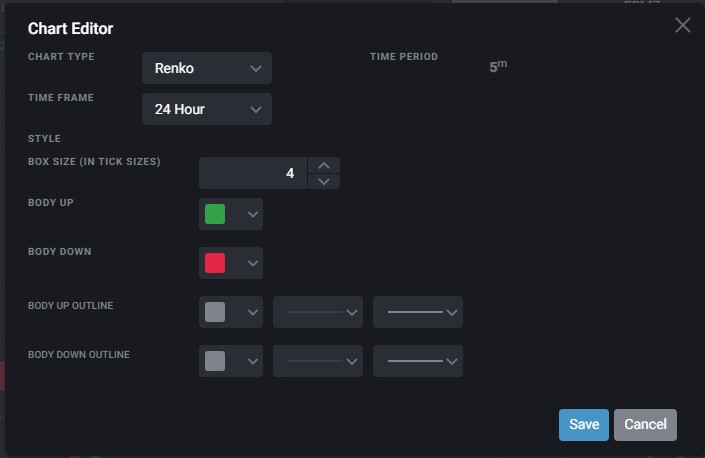
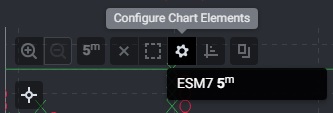
Click Renko to update the chart and then click the Configure Chart Elements to select box size:


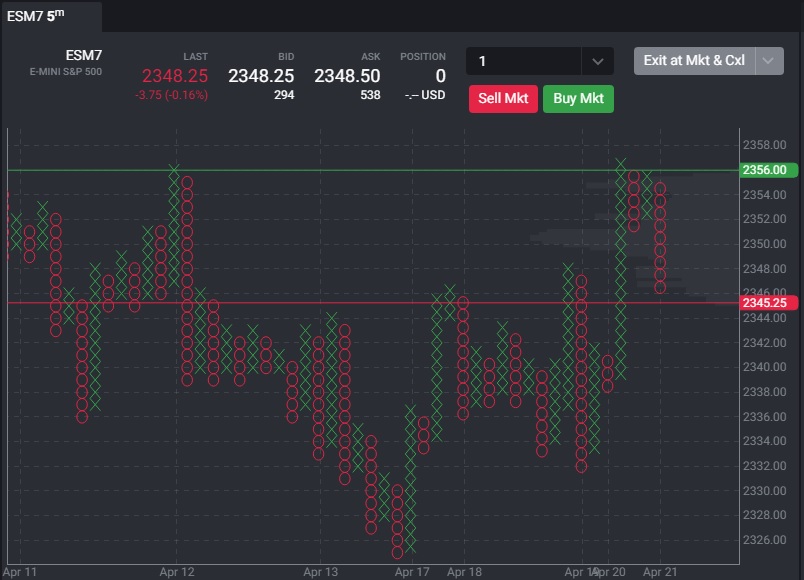
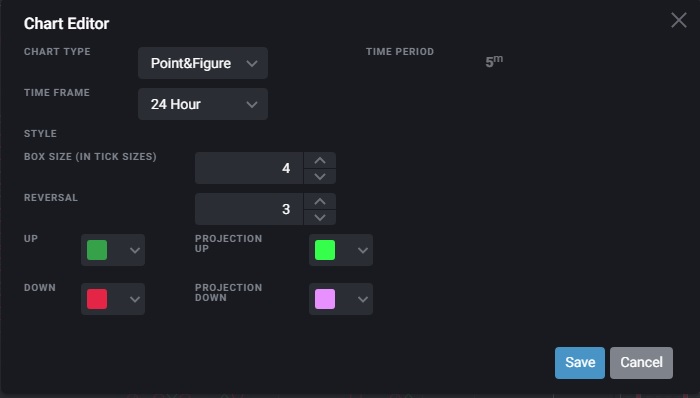
Click Point & Figure to update the chart and then click the Configure Chart Elements to select box size and reversal value:
You can add a volume profile by clicking Line Tools on the left side of the chart:
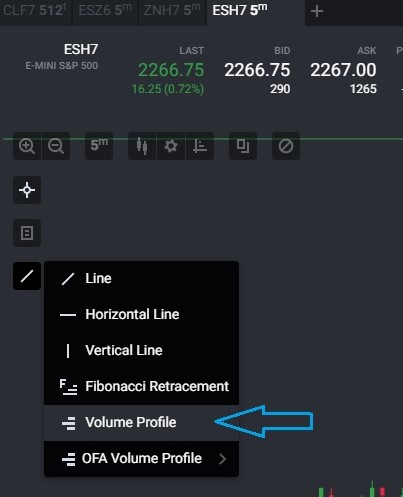
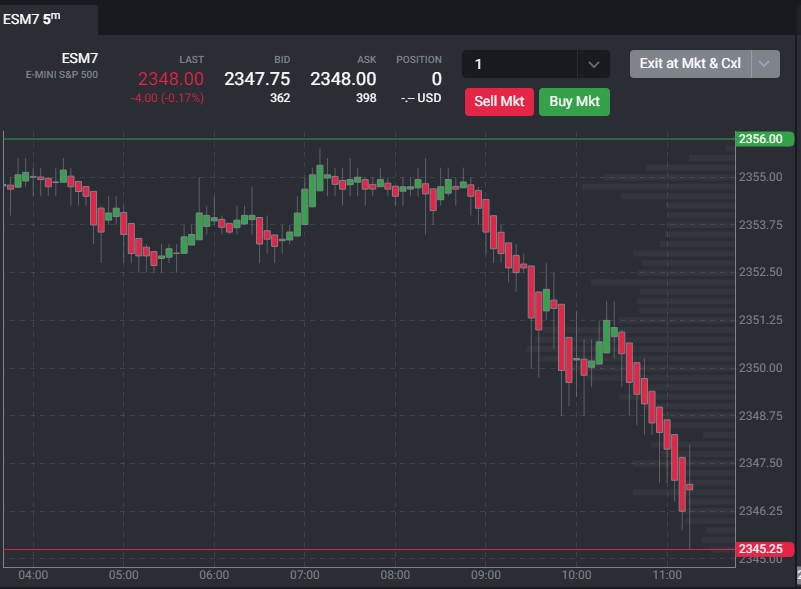
Once selected you will click the area of the chart you would like the volume profile located and it will appear covering 3 bars by default. You can select the beginning or end of the profile to modify the number of bars included:
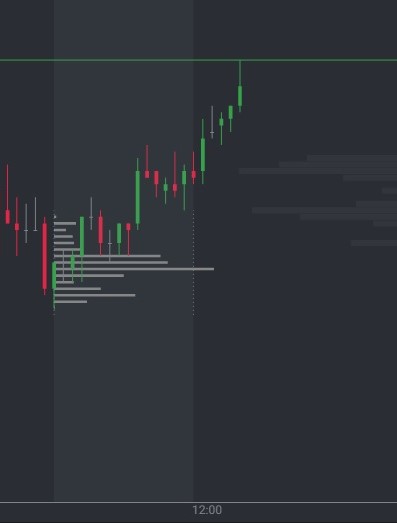
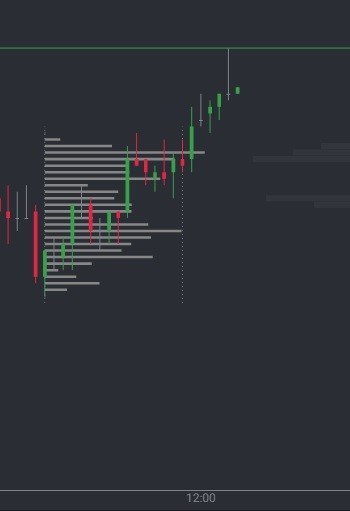
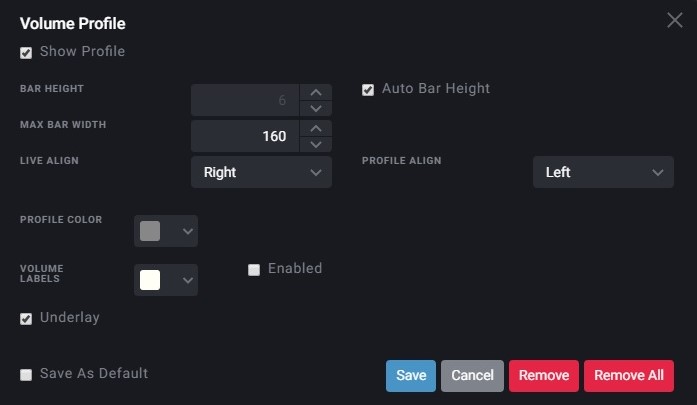
To modify the display of the volume profile and active values, simply double click the volume profile to show the profile settings: